

Generate Rapidrar premium links in one flow.
Paste a supported Rapidrar.com URL, let the Multidebrid generator check the file information and continue through the gateway when the premium session is ready.
Use this dedicated Rapidrar generator page to paste your Rapidrar.com file link, prepare a premium download session and continue through the Multidebrid gateway from one focused page.
Rapidrar.com
Multidebrid premium generator route
Paste a supported Rapidrar.com URL, let the Multidebrid generator check the file information and continue through the gateway when the premium session is ready.
This expanded guide is written for users who land directly on the Rapidrar page from search, a supported-host list or an internal Multidebrid link. It explains the generator flow, account expectations, link-cleaning rules, common errors, safe-use notes and the practical details that make this page more useful than a thin duplicated host template.
Rapidrar Premium Link Generator is designed as a host-specific route that makes search intent, link format and gateway action easier to understand. Instead of forcing every visitor to start from the same general download page, this landing page speaks directly to people searching for Rapidrar.com support. The page explains what type of link should be pasted, how the Multidebrid flow works, what the current host status means and what a user should check before starting a premium session.
That matters because Rapidrar.com users often arrive with a very specific problem: they have one file link, one archive part or one mirror list, and they want to know whether Multidebrid can prepare it. A page that only says “paste link here” is weak for users and weak for search engines. This version gives context, steps, limitations, safety notes and troubleshooting guidance around Rapidrar so the page can stand on its own as a real guide.
A generic premium link generator page can work for many hosts, but it rarely answers the small questions that appear when someone is dealing with a particular filehost. Rapidrar links may appear in forum posts, archive indexes, private project notes or mirror lists. The visitor needs to know whether the URL belongs to Rapidrar.com, whether the file page is still online and whether the link was copied cleanly without extra text around it.
This page keeps the generator form close to host-specific information. The hero section shows Rapidrar, the form placeholder references Rapidrar.com, the status badge shows the current host condition and the guide below explains common mistakes. That combination gives the page a clearer purpose. It is not just another copy of the homepage; it is a dedicated host-specific guide for users who need a dedicated page for this supported filehost.
Rapidrar is commonly used for archives, documents, project folders and public file pages. In real usage, people do not always paste a perfect URL. They may copy a link from a table, a Telegram message, a forum quote, a text document or an old download page. When the copied link includes spaces, punctuation, tracking parameters or a broken protocol prefix, the generator may not receive the file address in the right shape.
For that reason, the best way to use this page is to paste only the direct Rapidrar.com file URL, one link per line. If the source page has several mirrors, use the Rapidrar version here and keep the other hosts for their own pages. This keeps the process organized, makes the result cards easier to read and reduces the chance of mixing a Rapidrar.com file with another filehost by mistake.
A few seconds of checking can save a lot of failed attempts. First, make sure the URL opens as a real Rapidrar.com file page in your browser. Second, confirm that the file has not been removed, restricted or replaced by a host-side error page. Third, remove extra words before and after the URL. A common issue with Rapidrar links is broken links, incomplete URLs, offline files and host-side status changes, so clean input is important.
If you are pasting multiple links, put each file on a separate line. Do not paste a paragraph, a full article section or a mirror table into the form. The Multidebrid generator is built to process file links, not random text blocks. Cleaner input helps the script identify the host, show a better result card and send the right information into the gateway flow.
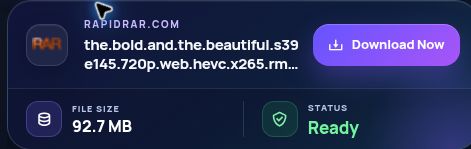
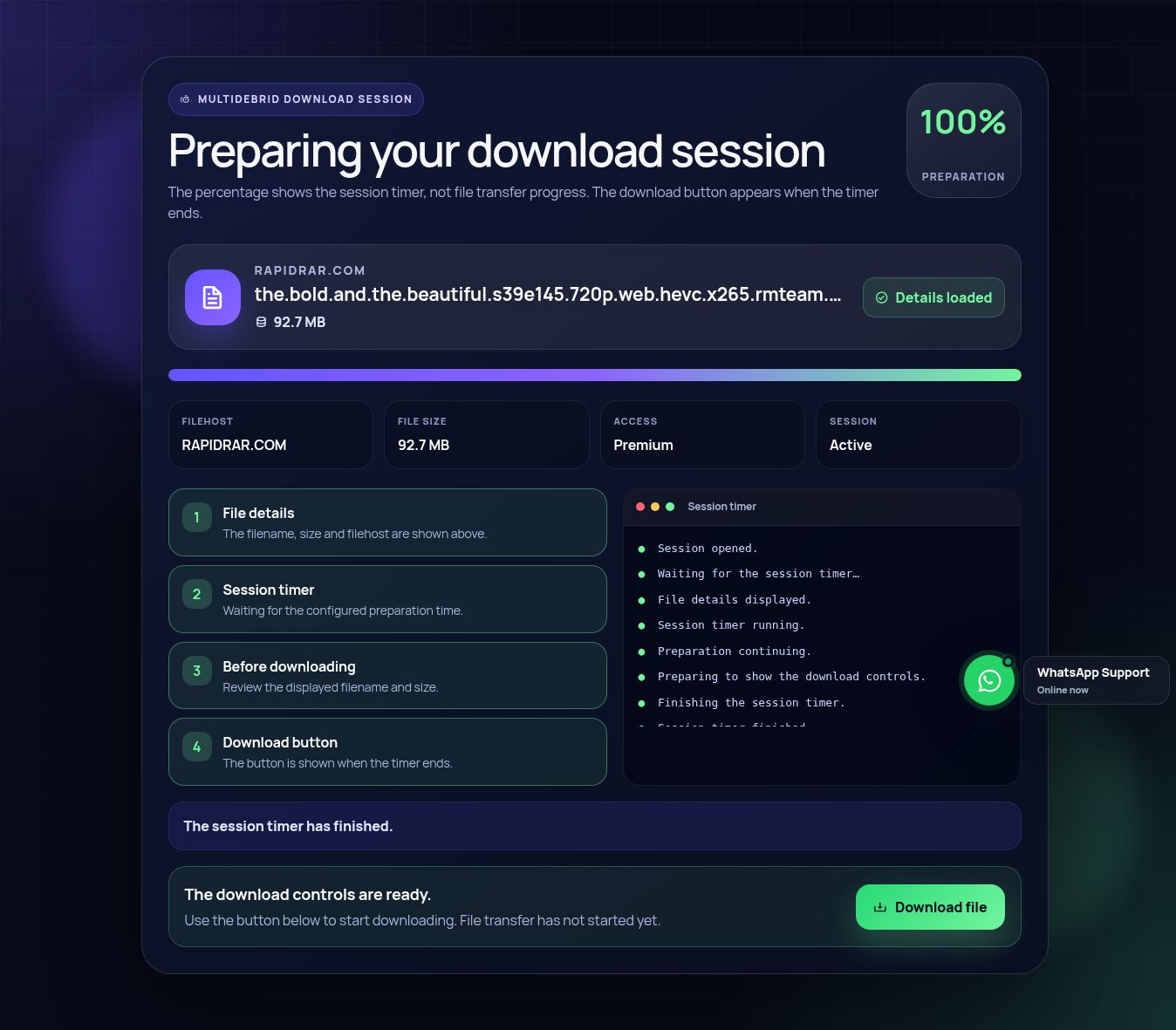
The first step is simple: copy the complete Rapidrar.com file URL and paste it into the generator field above. The second step is to click the generate button. Multidebrid then sends the link to the checking process, reads the response and prepares a result card with the file title, size information when available, host label and action button. Premium users can continue through the gateway once the session is ready.
The third step is reading the result instead of clicking blindly. If the card says the file is ready, continue normally. If the card shows an error, the issue may be the file page, the host status, the account state or the copied URL. This is why a dedicated Rapidrar page is useful: it gives the user enough context to understand the next action rather than treating every failure as the same generic error.
Multidebrid separates the page experience from premium gateway access. Free visitors can open the Rapidrar landing page, read the instructions and test the visible flow, but premium generation is intended for active premium members. On this page the public free limit is shown as NO and the premium limit is shown as Unlimited, so users can see the current public limit information before they start.
This wording is important for trust. A visitor should not feel tricked by a page that promises unlimited access without explaining account expectations. The safer approach is to show the host status, explain the difference between free and premium behavior and route upgrade actions clearly. That creates a better user experience and also makes the content more useful than a thin page built only around a button.
The current public status for Rapidrar.com on this page is Online. Online usually means the host is available in the supported-host list. Busy can mean temporary load, host-side limits or maintenance. Offline means the generator should not be treated as available for that host at the moment. These labels help users make a faster decision before trying the same link again and again.
Status can change because filehosts update their pages, change redirects, limit traffic or remove files. A failed attempt does not always mean the user did something wrong. It may simply mean Rapidrar is temporarily busy, the source file was removed or the URL was copied from an outdated mirror. This guide keeps that explanation visible so the page feels practical, not just promotional.
People rarely search only for “premium link generator”. They search for phrases like “Rapidrar premium link generator”, “Rapidrar downloader”, “generate Rapidrar link” or “Rapidrar.com premium download”. A dedicated landing page can match those searches more closely because the title, H1, intro text, form labels, FAQ and body content all support the same host-specific intent.
The page is also useful for SEO because it answers the query behind the host name, not only the broad premium generator keyword. The key is not to create hundreds of empty pages with the host name replaced. The page needs original explanations, internal links, status information, responsible-use notes and troubleshooting. That is why this article is long, structured and written around when a user wants to prepare a supported host link inside a focused Multidebrid page rather than being a duplicate paragraph with a different logo.
Most failed generator attempts fall into a few groups. The file may be offline. The host may be temporarily busy. The pasted link may be incomplete. The file page may require a specific format. The URL may include a copied title, forum BBCode, HTML markup or a shortened redirect. With Rapidrar, one of the most common situations is broken links, incomplete URLs, offline files and host-side status changes.
When a link fails, start by opening the original Rapidrar.com page in a normal browser tab. If the host itself says the file is unavailable, the generator cannot fix the missing source. If the page opens correctly, copy the address again from the browser bar and paste only that URL. If the issue continues while the host status is busy, wait and try again later instead of repeatedly submitting the same broken input.
Many Rapidrar pages are part of a multi-file package. In that case, every archive part matters. If part one works but part two is missing, the final download may still be useless. Paste each Rapidrar.com URL on its own line, keep the order from the source page and avoid mixing other hosts into the same batch. The result area is easier to understand when every generated card belongs to the same filehost.
For large batches, it is better to test a small group first. Start with two or three links, confirm that the result format looks correct and then continue with the rest. This helps catch copy mistakes early. It also gives premium members a smoother gateway flow because the generated result cards remain readable, organized and connected to the correct Rapidrar source.
Multidebrid should be used for files you own, files you have permission to access, public-domain materials, personal backups, team assets or other content that you are legally allowed to download. A premium link generator page should not be treated as permission to ignore copyright, filehost rules or the rights of content owners. Responsible wording protects the user and keeps the service positioned as a legitimate utility.
The most trustworthy landing pages explain this clearly. They do not promise to bypass every limit or unlock every file on the internet. They explain the supported workflow, the account requirement, the possible host status and the importance of lawful access. This Rapidrar page follows that approach so the SEO content is more durable and safer than aggressive copy that could look spammy or misleading.
A good result page is not only about the final button. Users need feedback while the link is being checked. The result card on Multidebrid shows the host logo, file title, file size when the checker returns it, readiness state and the next action. That is especially helpful for Rapidrar because users often deal with archives, documents, project folders and public file pages and need to confirm they are generating the right file.
Clear feedback also reduces support questions. If the card is locked, the user understands that premium access is required. If the card shows an error, the user can check the troubleshooting section. If the card is ready, the gateway flow is obvious. The more the page explains these states, the less it feels like a black box and the more useful it becomes for both visitors and search engines.
A separate Rapidrar URL creates a clean destination for internal links from the supported-host list, blog posts, comparison pages and help documents. Instead of sending every user to the homepage, Multidebrid can link directly to the correct filehost page. That improves navigation and helps search engines understand the relationship between the general generator, the supported hosts list and each dedicated landing page.
Internal links should use natural anchor text such as “Rapidrar premium link generator” or “generate Rapidrar links”. The page should also link back to the full supported-host list so users can switch hosts when a mirror changes. This creates a simple site structure: broad generator page at the top, supported-host overview in the middle and individual host pages for exact search intent.
The goal of this page is to answer the practical questions behind a Rapidrar search: Is the host supported? Where do I paste the link? What should I check first? Why did the link fail? Do I need premium? Can I paste multiple links? What does the current status mean? A useful page answers these questions directly instead of hiding everything behind marketing language.
That is why this article includes workflow notes, host-specific risks, account explanations, link-cleaning advice, troubleshooting and responsible-use guidance. The wording is not a random block of SEO keywords. It is a complete landing-page guide built around Rapidrar.com and Multidebrid. This gives each host page more unique value and reduces the chance that search engines see the pages as near-identical doorway copies.
Use this quick checklist before clicking the button: confirm the URL belongs to Rapidrar.com, open the source page once, remove extra text, paste one link per line, check the host status, make sure your account state matches what you want to do and avoid files you are not allowed to access. These steps sound basic, but they prevent most avoidable failures.
For Rapidrar, the most useful habit is to keep the source page and the Multidebrid page open at the same time. If the source page changes, expires or shows an unavailable message, you can identify the problem quickly. If the source page still works, copy the clean address again and retry. This simple process makes the generator flow more predictable and user-friendly.
What is this page for? It is a dedicated Multidebrid page for preparing supported Rapidrar.com links. Do you need premium? Premium gateway access is designed for active premium users, while free visitors can still read the guide and view the form. Can you paste more than one link? Yes, use one URL per line and keep the links clean.
Why does a link fail? The file may be offline, the host may be busy, the URL may be incomplete or the pasted text may not be a direct Rapidrar.com file page. Is this page legal to use? The tool should be used only for content you own, have permission to access or can legally download. Does the page replace the supported-host list? No, it works together with that list and gives Rapidrar users a more focused destination.